CookEase
An AI sous-chef that starts with what's already in your fridge
- Role
- Product & frontend (AI speech frame)
- Timeline
- EECS 441 · Michigan
- Team
- 7-person cross-functional team
- Product type
- Consumer iOS app
What is it
An iOS recipe app that suggests meals from the ingredients you already have, then walks you through cooking out loud so your hands stay free.
Why I built it
We kept running into the same thing while building: most recipe apps assume you have everything on the list. In practice you open the fridge, see what's there, and work backwards. We wanted the app to start where people actually start.
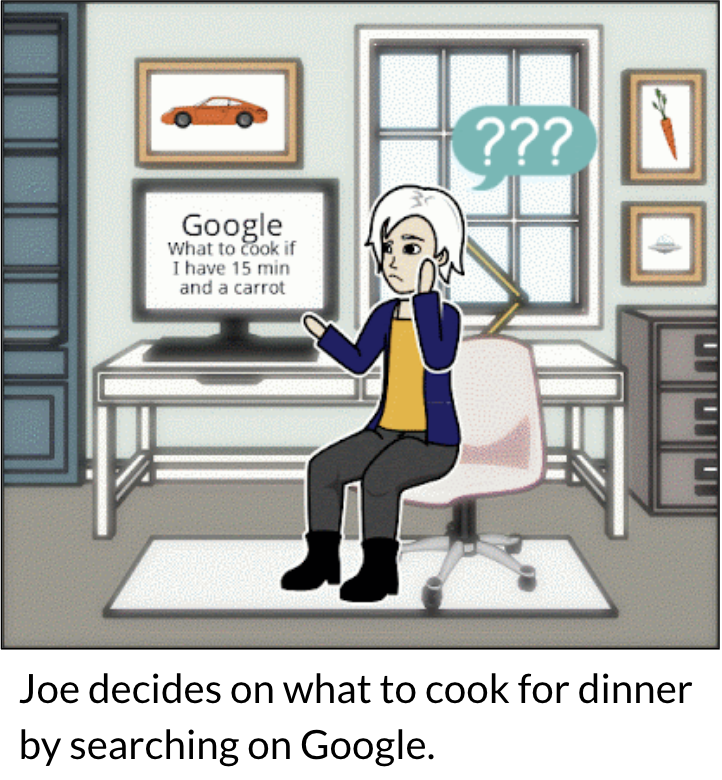 01 · Search
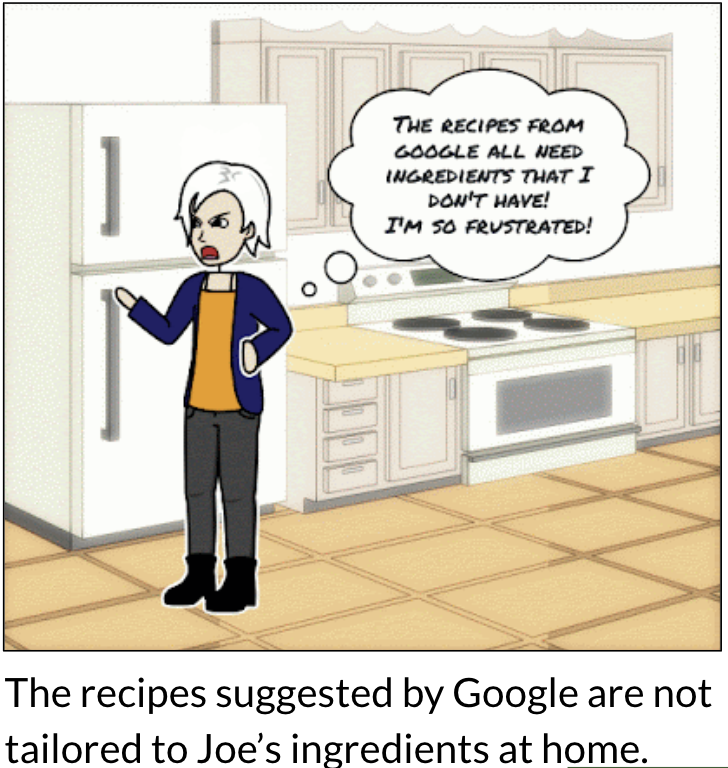 02 · Frustration
 03 · Guidance
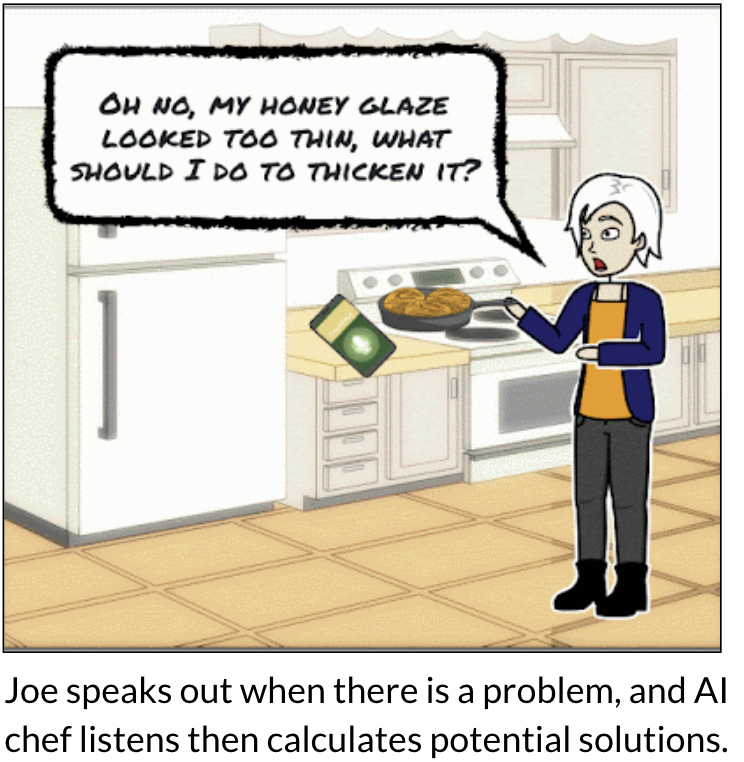 04 · Ask
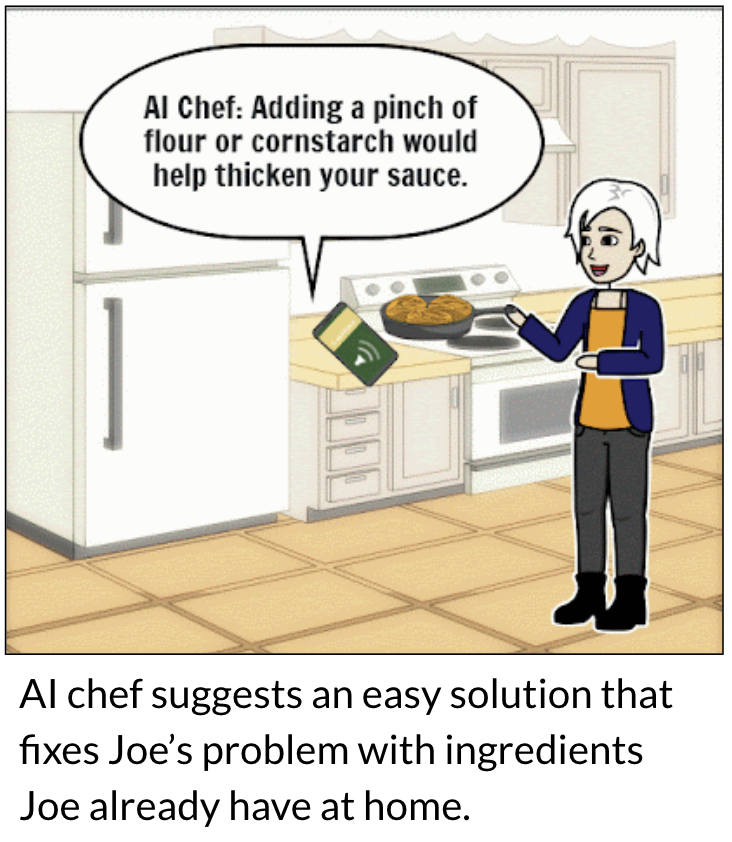 05 · Adapt
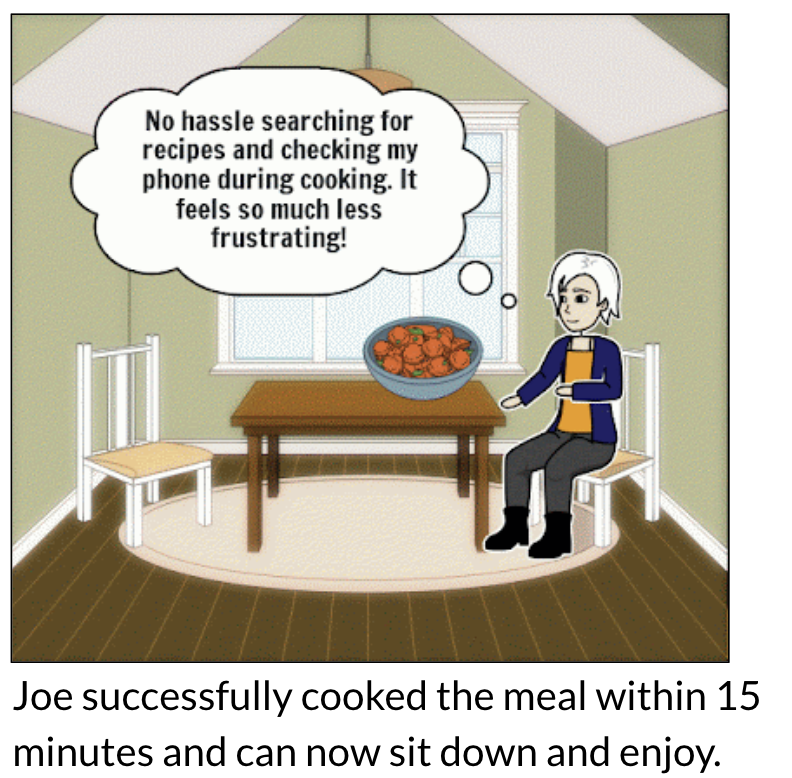 06 · Enjoy
What makes it interesting
The voice assistant does more than read steps aloud. It answers questions mid-cook and suggests substitutions when you're missing something, which is the moment people usually give up and order takeout.
Difficulties & tradeoffs
Usability testing found two problems we hadn't seen: people couldn't find the ingredient list, and almost nobody turned voice command on. We fixed both cheaply. "Done" became "View List," and voice command got a consent prompt instead of a buried toggle. Task success landed at 85–100% after that, and we avoided a redesign we didn't need.
What I built it with
Swift on the client. Django and PostgreSQL on AWS for recipes and pantry state. Computer vision for ingredient recognition, and an LLM layer for rewriting steps and handling substitutions.
Outcomes
- 85–100% task success across 8 tested tasks
- Two design changes shipped straight out of usability testing
CookEase demo
This walkthrough shows Cookease's core loop working end-to-end — enter ingredients (with autocomplete, or by pasting a recipe URL), get ingredient-matched recipe suggestions, then adjust the serving size and watch every ingredient quantity rescale automatically. From there, cook hands-free with voice-controlled instructions, real-time AI substitutions, and a built-in timer. Every feature here maps directly back to a pain point from our user research: no manual recipe hunting, no math to resize a recipe, no stalling out on a missing ingredient, and no need to touch a screen with messy hands.
The process
Interviews first, then competitive analysis, then a value-prop map, then usability testing. Nothing got built unless it traced back to something a person actually told us.
01 — Customer discovery
We interviewed cooks and sorted what they told us into needs, pain points, and wants. Three things came up over and over: people cook from whatever is already in the fridge, vague instructions make them lose confidence halfway through, and nobody trusts their own substitutions.
02 — Competitive analysis
We scored five competitors (Whisk, Cookpad, Tasty, Yummly, SideChef) on UI simplicity, voice assistance, ingredient recognition, recipe variety, and how well the front and back end held together. CookEase came out ahead at +12 against +9 for the next best, mostly because everyone else treated voice as an add-on rather than the main way you use the app while cooking.
03 — Value proposition
That gap became the bet. We mapped each pain point to one feature: missing ingredients to scanning and suggestions, unclear instructions to step-by-step voice guidance, and shaky substitutions to real-time help. If a feature didn't map to a pain point, it didn't make the cut.
04 — Usability testing
Six people, eight tasks, clear pass/fail criteria. Two problems showed up: the ingredient list was hard to find and most people missed the voice toggle. Renaming a button and adding a consent prompt fixed both, and task success moved to 85–100%.